Orosign is a multisignature wallet that allows semi retail users or individuals to store cryptocurrency assets and NFTs securely. Unlike the common solutions for enterprises with complicated usages, Orosign provides a friendly interface with unlimited participants to co-manage the wallet at minicost as well as customize smart contracts to meet their own needs. Orosign is best suited for Venture Capitals, game guilds or any board members that wish to have a simple, yet highly utilizable multisignature wallet to fulfill their ownership demand. Besides that, Orosign also provides other features such as NFT showcase or blockchain gaming integration to save users from having to walk through a lengthy process of manual import and query. Let's dig deeper into these features and get yourself this convenient wallet now!
What can you do with Orosign?
-
**Send / Receive: **You can send and receive cryptocurrency assets on any EVM-compatible blockchain (Ethereum, BNB, Polygon, etc.). Orosign currently supports native tokens, ERC20, and ERC721 tokens. Other types of tokens will be implemented in the near future.
-
Manage your portfolio: View and manage cryptocurrency assets in your portfolio. You will be able to see how many cryptocurrency assets you have, the price and price chart of the assets.
-
Game & NFTs Showcase: Access game & NFTs showcase directly on the app
-
Store: Securely store your crypto assets using Orosign Multisig Feature
How to create an Orosign Wallet?
To create an Orosign Wallet, please follow these steps:
- Download Orosign application from the app store. Orosign is available for both iOs and Android devices. You can download the app from this link:
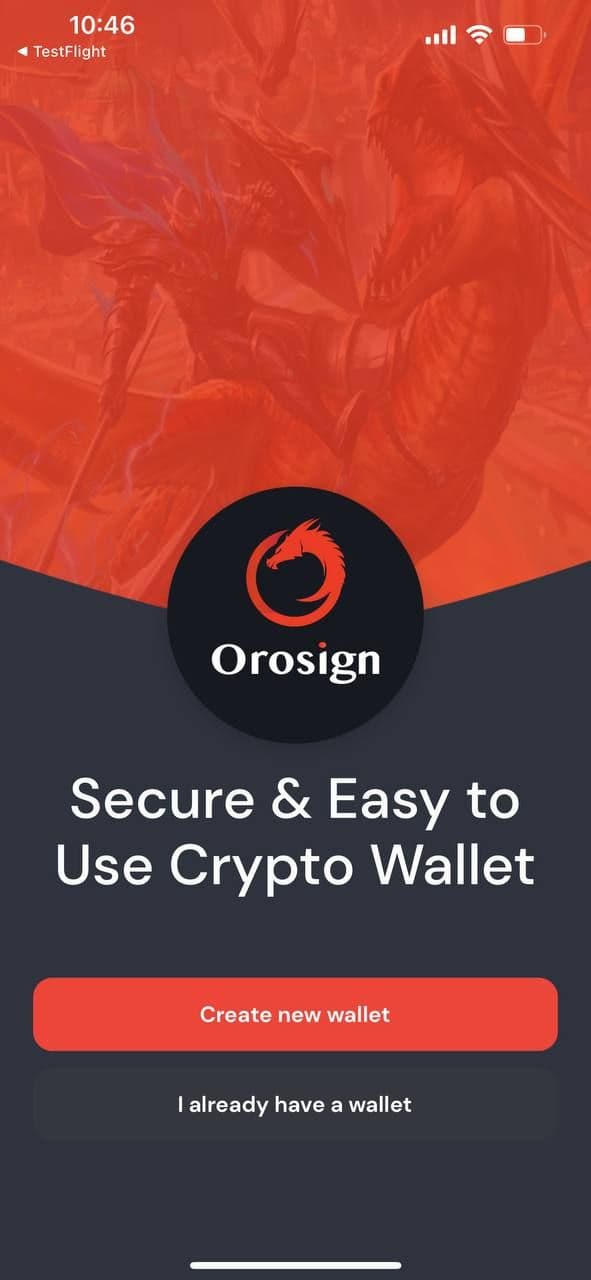
- After you have Orosign installed on your mobile, open the app and click on “Create a new wallet” to start creating your Orosign Wallet. In case you already have an Orosign wallet, simply click on “I already have a wallet” and use your recovery phrase to import the wallet.
- Read and accept Orosign “Terms of use” and “Privacy policy”. Please read it carefully to understand all the terms associated with Orosign.
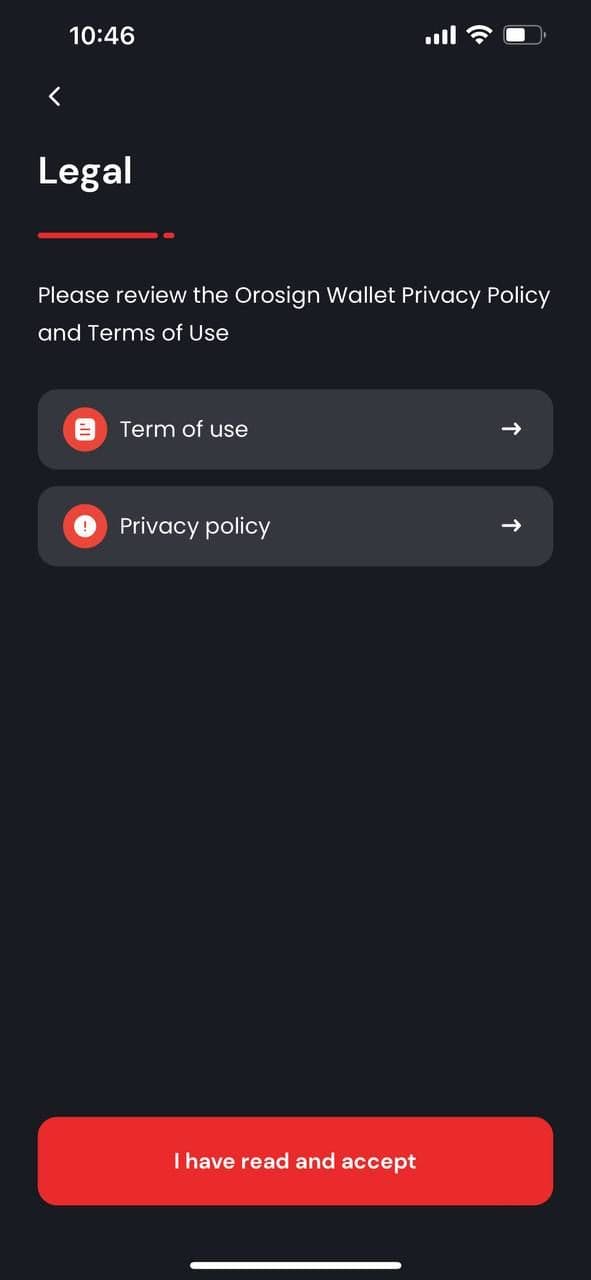
- In this step, you will be able to view your recovery phrase, including 12 words. You should manually write it down on a piece of paper and keep it in a safe and private place. Storing your recovery phrase on a digital device is not recommended since it can be stolen. In case you lose access to your wallet or want to migrate the wallet to another non-custodial wallet, recovery phrase is the only way you can recover/migrate the wallet.
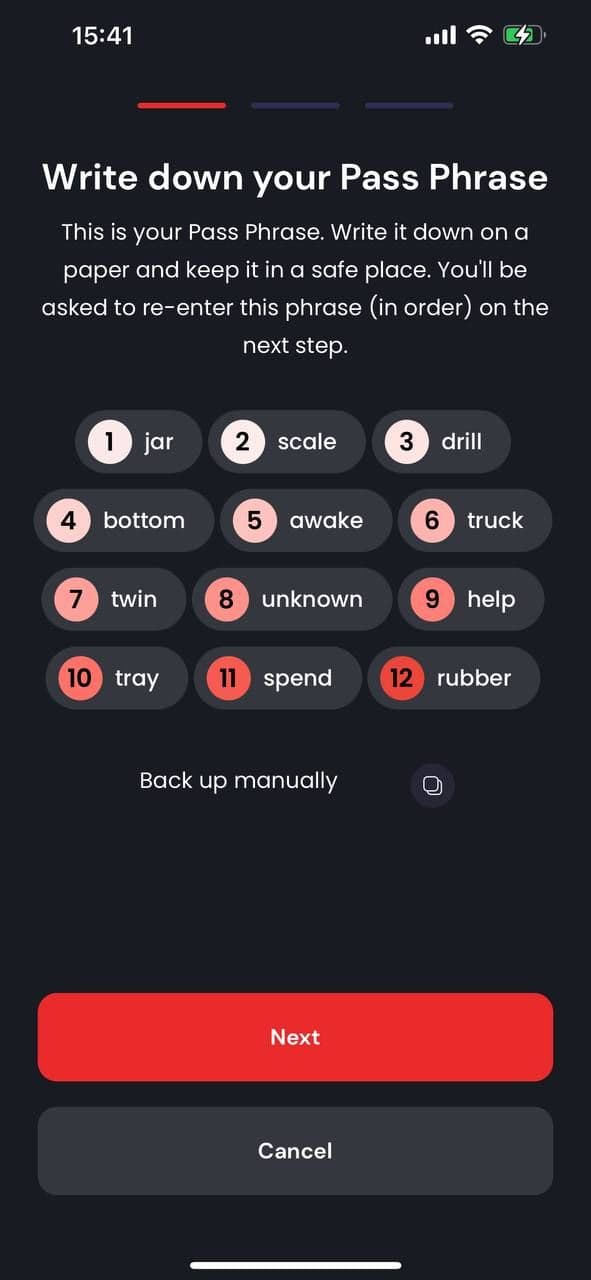
- You are required to verify your passphrase provided in the previous step. Please provide the missing words sequentially in your 12-word passphrase.
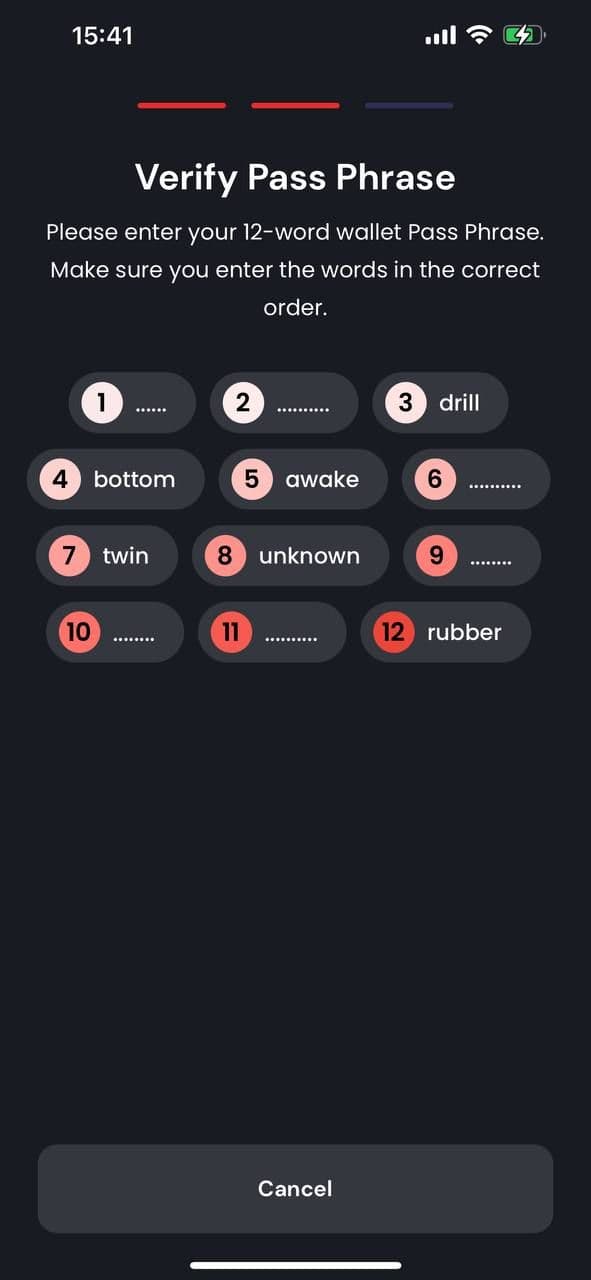
- After verifying the passphrase, your wallet is ready and you can access the Orosign dashboard with your account.
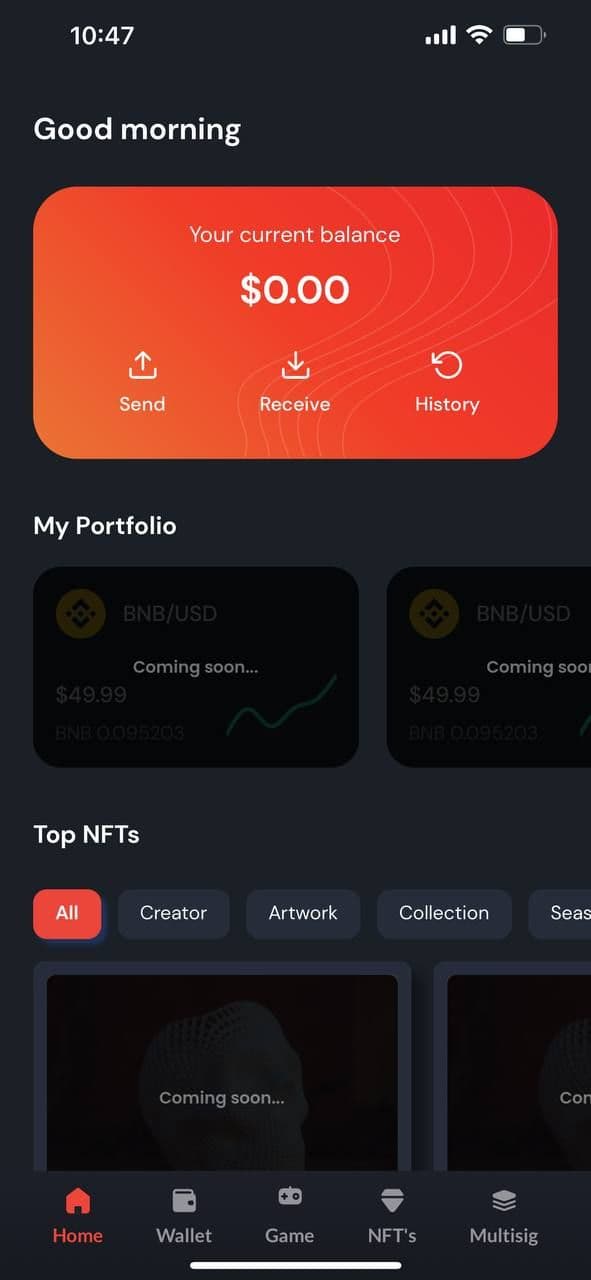
Create an Orosign Multisignature Wallet
Once you have all above steps done, you will be able to create your Orosign Multisignature Wallet following the instruction below:
- To create a Multisig wallet, please choose the Multisig tab in the navigation bar then click on “Create Multisig Wallet”

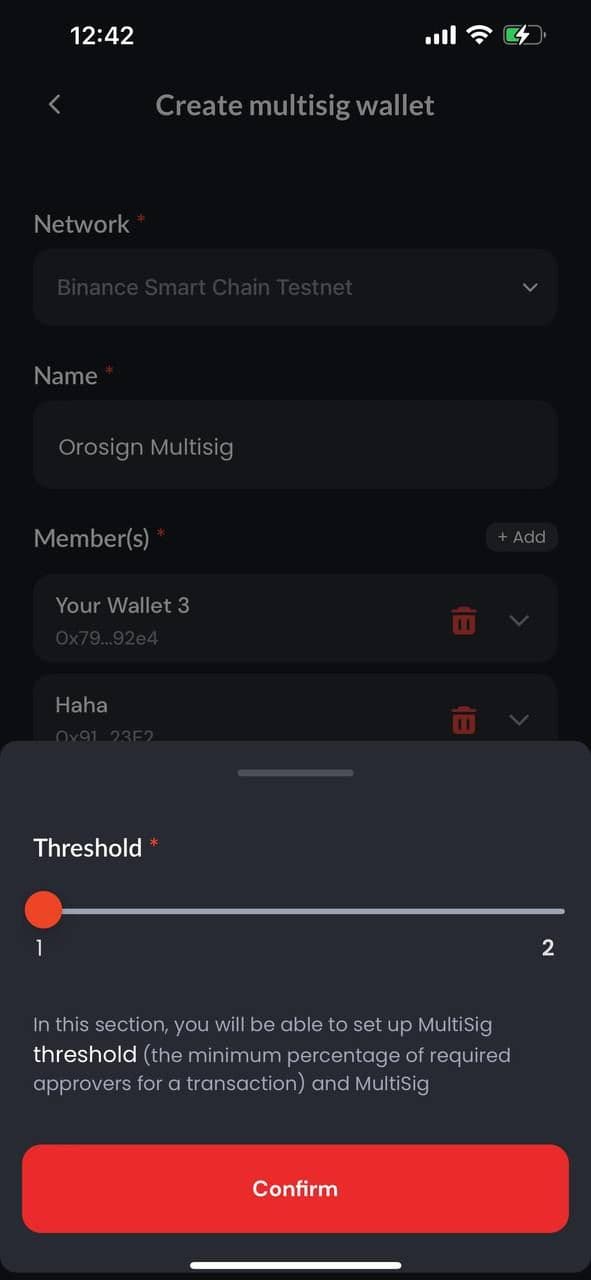
- You are then required to choose the Wallet network, name the wallet and add members to co-manage the wallet. You can also set up the minimum approvers for each transaction in the “Threshold settings”.
-
Wallet Network: Choose the network that you want to create your wallet on. It can be Binance Smart Chain, Ethereum or other networks.
-
Threshold Settings: Decide on the wallet threshold (how many signatures required to approve transactions and the number of participants co-managing the wallet). You have to add members to the wallet before setting the threshold. For example, in the image below, there are two members in the wallet, hence the threshold options available will be either 1-of-2 or 2-of-2 multisignature.
- To finish creating an Orosign Multisig Wallet, simply click “Create Now” and you’re all set.

Who should use Orosign Multisig Wallet?
Orosign Multisig Wallet is ideal for all customers who want to store cryptocurrency assets securely as it requires multiple signatures to approve transactions. Both individuals and organizations can use an Orosign Wallet depending on the purpose. If you still wonder if Orosign is the one for you, please visit this article for more information.


Experience verifiable data in action - Join the zkDatabase live demo!
Book a Demo